Best Pinterest Posting API in 2026
Pinterest is one of the most underrated platforms for driving traffic. Every pin is a backlink. Every board is an SEO surface. People go to Pinterest to find things and click through to buy them. The intent is already there.
If you need a Pinterest posting API to automate pin creation, you'll quickly realize Pinterest's native API is a pain. Board targeting, image specs, destination URLs, alt text. It adds up fast. A good third-party Pinterest API handles all of this in one request.
I compared six options for creating Pinterest pins programmatically. Here's what I found.
PostPeer
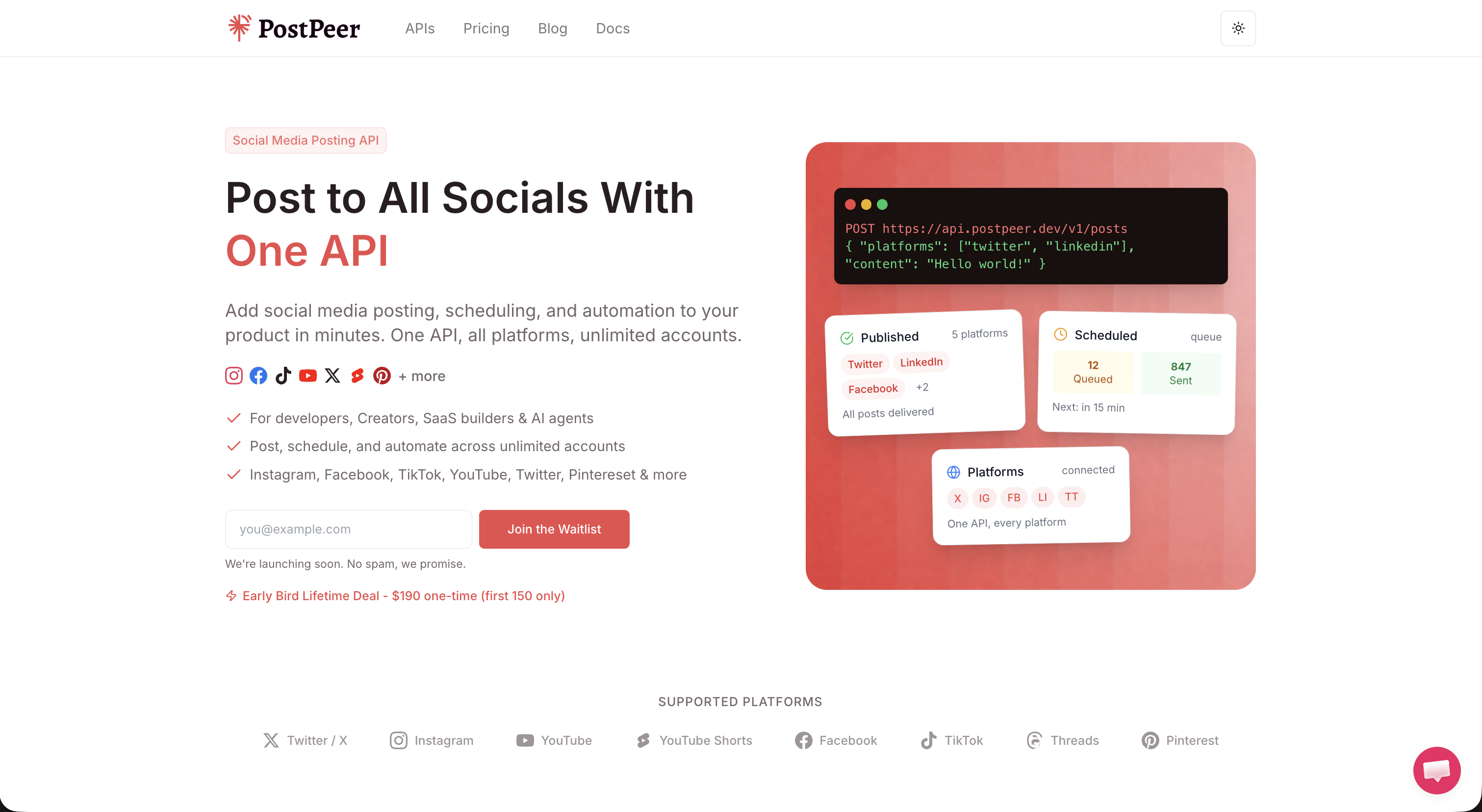
PostPeer's Pinterest posting API is built around what actually matters for Pinterest: board targeting, destination links, and image optimization.
You specify a board_id to target the exact board you want. You set a destination URL so every pin drives traffic back to your site. You add alt text for accessibility. And PostPeer handles image optimization so your pins look sharp without you messing with dimensions and file sizes.
Pricing: $8.50 per 1,000 posts on the standard plan. There's a free tier with 20 posts to get started. PostPeer is the only service here that offers both monthly subscriptions and one-time credit packs that never expire. If your posting volume spikes around holidays or product launches, you're not stuck overpaying during quiet months.
Every plan comes with unlimited connected accounts. Manage one Pinterest profile or fifty. Same price.
They also have a free Pinterest scheduler if you want to schedule pins without writing code. Good for testing before you build anything.
Pros:
- Board targeting with
board_idfor precise pin placement - Destination links on every pin for traffic
- Alt text support for accessibility
- Image optimization built in
- Unlimited connected accounts on every plan (including free)
- Both subscription and one-time credit options
- Scheduling included
Cons:
- Fewer supported platforms than some competitors
- Newer service, smaller community
Check out PostPeer pricing for the full breakdown.
Zernio (formerly Late)
Zernio rebranded from Late and covers a wide range of platforms including Pinterest. They've been in the social scheduling space for a while.
Pricing: The Build plan is $19/month for 120 posts, which works out to about $158 per 1,000 posts. There's a free tier with 20 posts and 2 social sets. Analytics costs extra starting at $10/month.
Pros:
- Supports many platforms beyond Pinterest
- Has a free tier
- Analytics available as an add-on
Cons:
- Expensive per post compared to alternatives
- Analytics costs extra on top of the base plan
- Limited social sets on lower tiers
Upload-Post
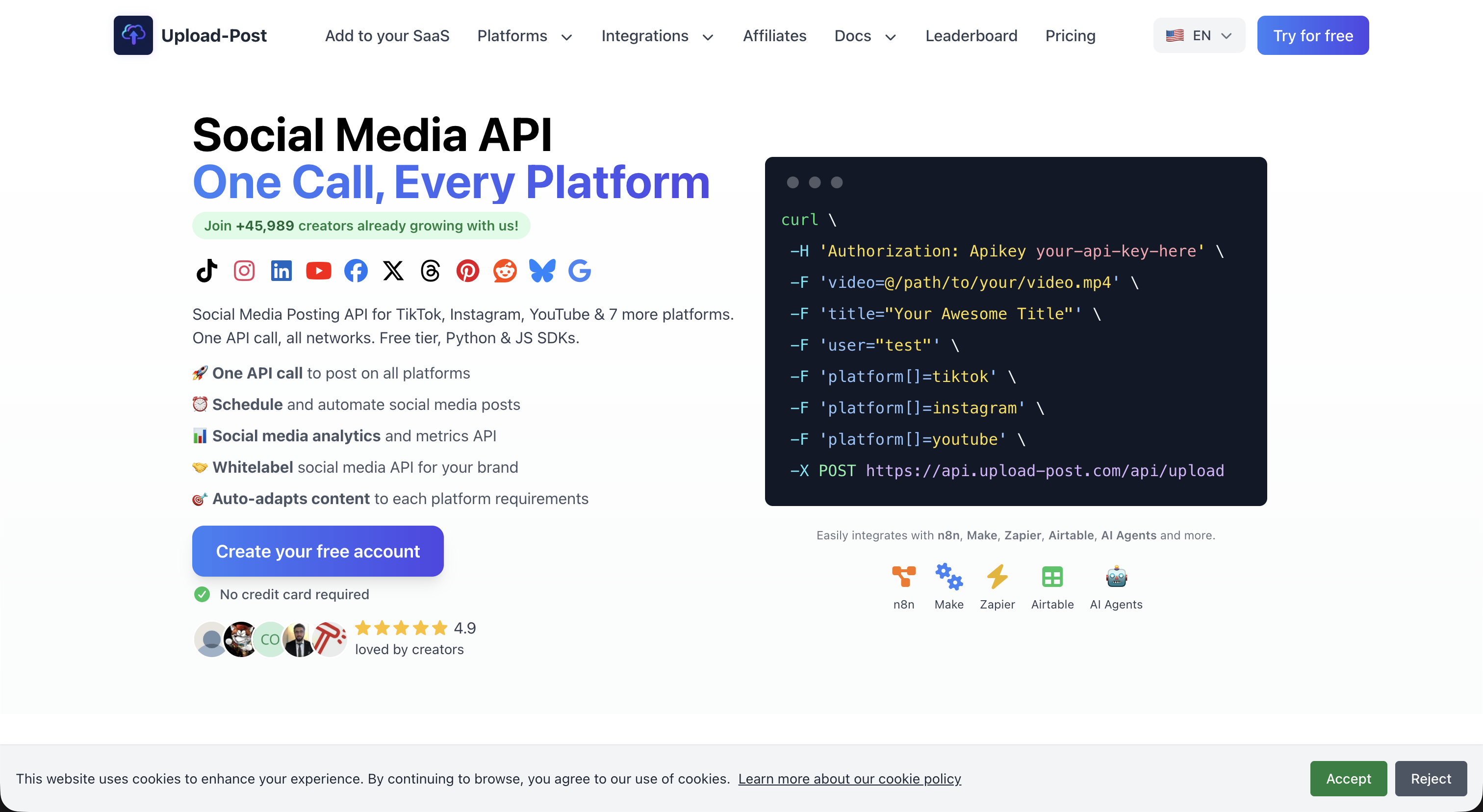
Upload-Post gives you unlimited uploads, which works well for Pinterest if you're creating a lot of pins. The catch is the profile limit.
Pricing: $24/month for unlimited posts across 5 profiles. Need more? You'll pay extra per profile.
Pros:
- Unlimited posts with no per-post cost
- Good for high-volume pinning on a small number of accounts
Cons:
- Only 5 profiles included
- Gets expensive if you manage many Pinterest accounts
- Not great for agencies running client boards
API for Social Media
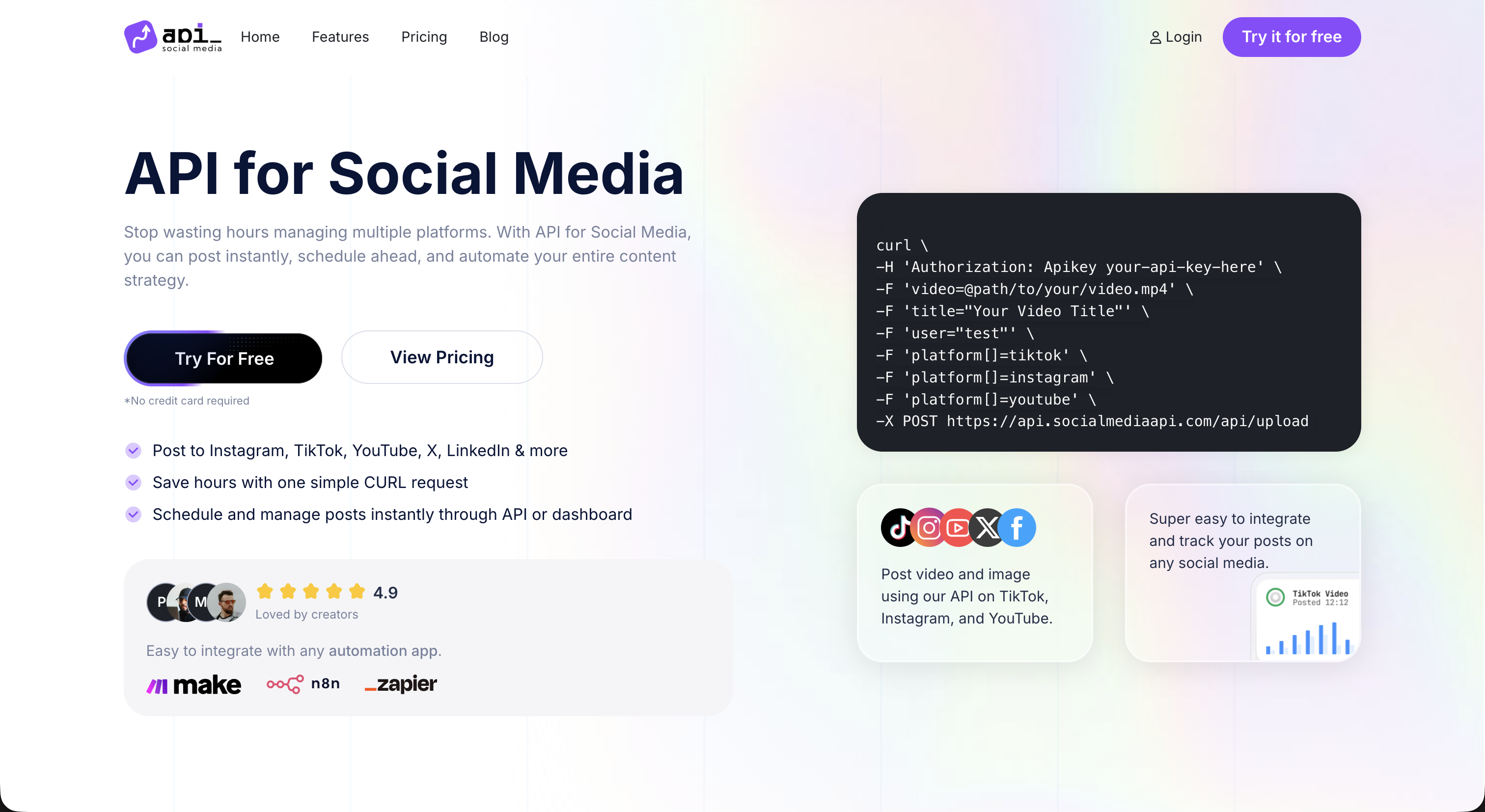
API for Social Media offers a flat monthly rate with unlimited posts. Pinterest is included in their platform list.
Pricing: $15/month for unlimited posts across up to 5 profiles.
Pros:
- Unlimited posts at a flat rate
- Simple pricing model
Cons:
- Limited to 5 profiles
- Adding profiles increases cost
- Less Pinterest-specific functionality
Ayrshare
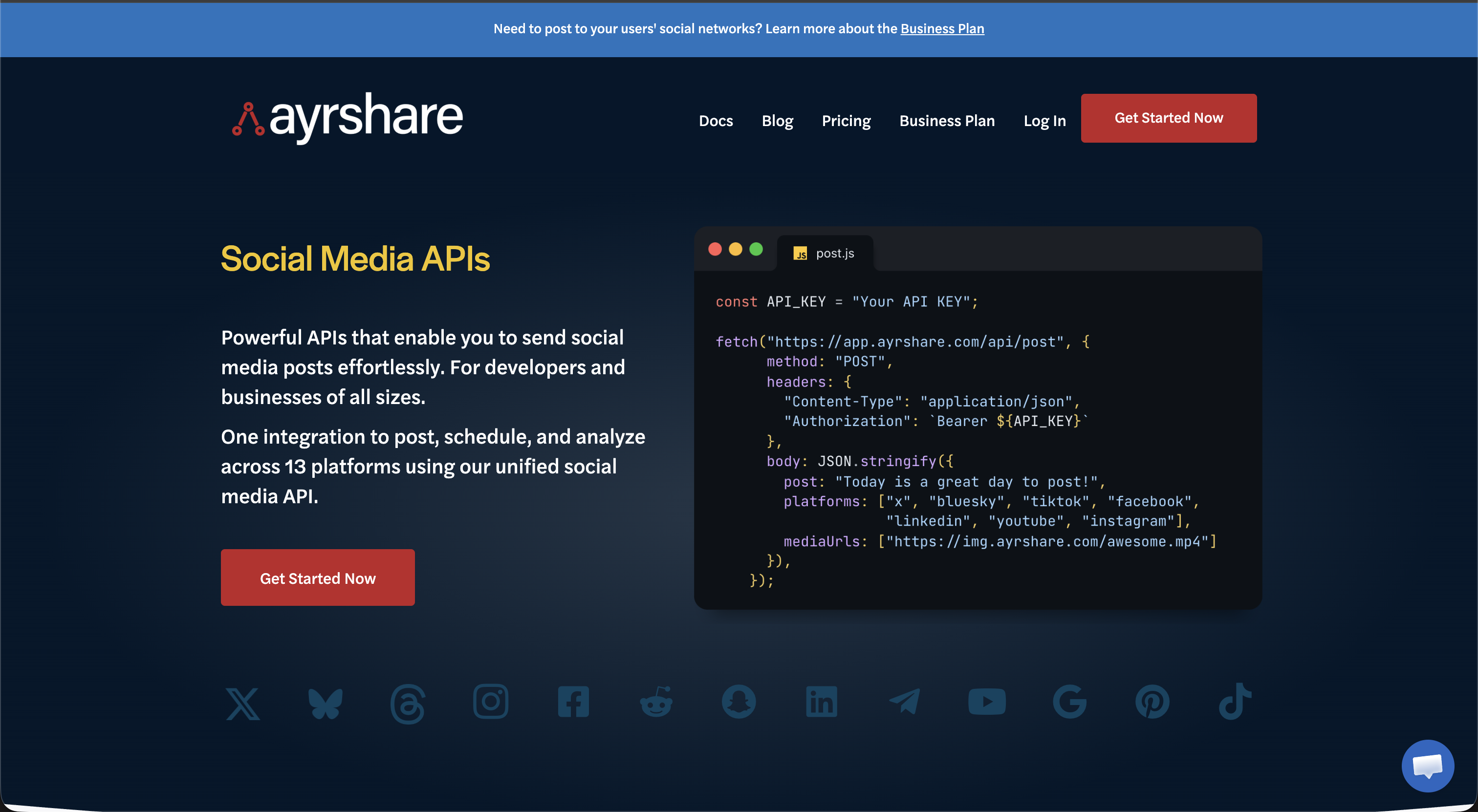
Ayrshare is the enterprise-grade option. Well-documented API, mature platform, Pinterest support included. If budget isn't a constraint, they're reliable.
Pricing: Starts at $299/month with 10 profiles.
Pros:
- Mature platform with proven track record
- Comprehensive API documentation
- Strong enterprise features
Cons:
- Starting price is 35x higher than most alternatives
- Overkill for small projects or indie devs
- 10 profile limit on the base plan feels low for $299/month
Post Bridge
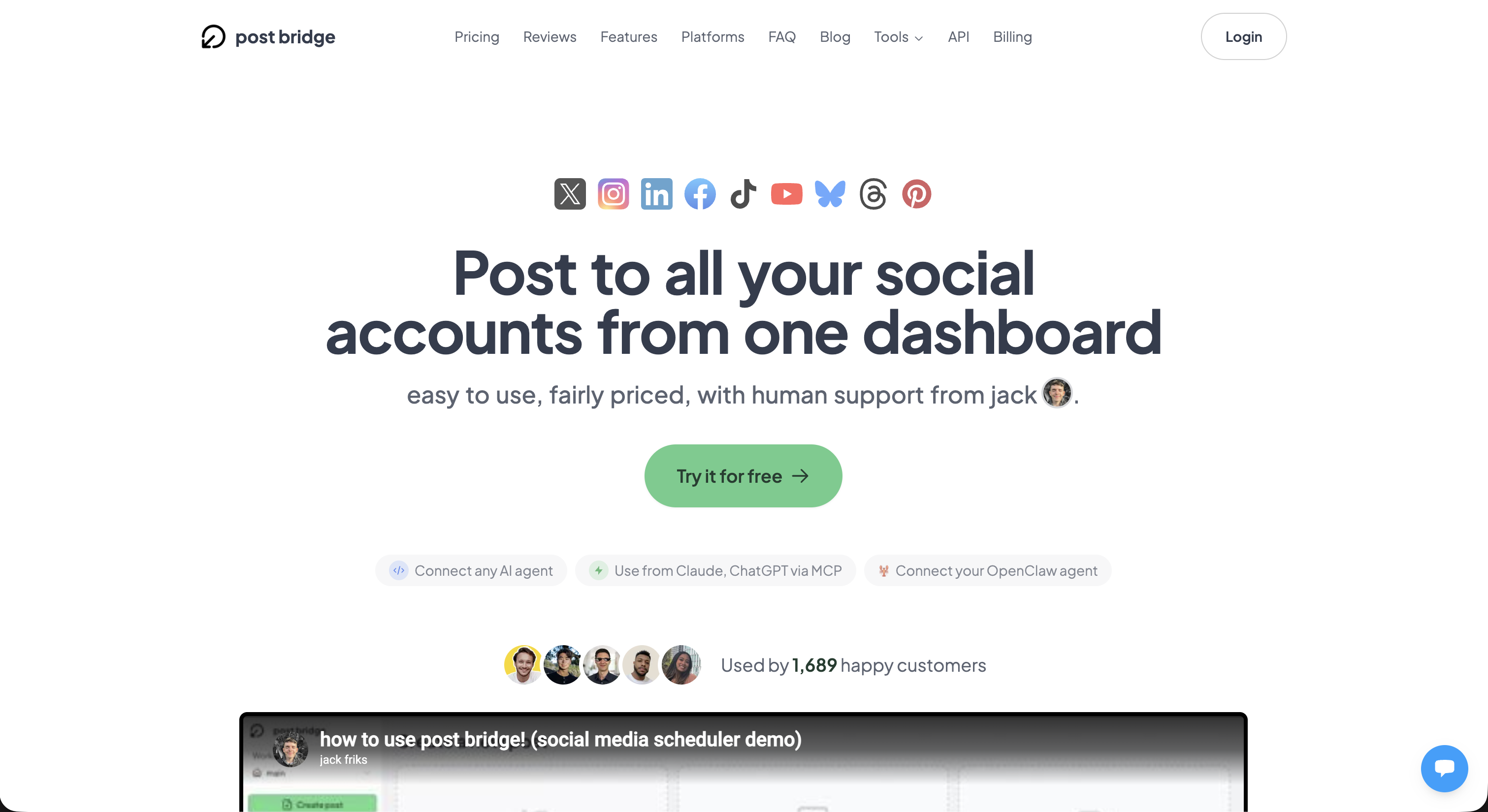
Post Bridge is dashboard-first. They have an API, but the product is really built around their web interface. Pinterest is supported.
Pricing: $29-49/month depending on the plan.
Pros:
- Nice dashboard for manual scheduling
- Pinterest support included
- Reasonable monthly pricing
Cons:
- Dashboard-first, API feels secondary
- Not ideal if you want a code-first workflow
- Limited flexibility for custom integrations
Quick Comparison
| Service | Cost per 1K Posts | Free Tier | Accounts | Board Targeting | Destination Links | Credit Packs |
|---|---|---|---|---|---|---|
| PostPeer | $8.50 | 20 posts | Unlimited | Yes | Yes | Yes |
| Zernio | ~$158 | 20 posts | Limited by plan | Limited | Limited | No |
| Upload-Post | Unlimited ($24/mo) | None | 5 included | Yes | Yes | No |
| API for Social Media | Unlimited ($15/mo) | None | 5 included | Yes | Yes | No |
| Ayrshare | $299+/mo | None | 10 included | Yes | Yes | No |
| Post Bridge | $29-49/mo | None | By plan | Yes | Yes | No |
The Verdict
Pinterest is a traffic machine that most developers overlook. Every pin you create is a potential click back to your site, and it stays discoverable for months (sometimes years). Automating pin creation at scale is one of the highest-ROI things you can do.
For most developers, PostPeer is the clear pick. The per-post cost is the lowest, board targeting with board_id is straightforward, destination links mean every pin drives traffic, and alt text support covers accessibility. Unlimited accounts on every plan means you can manage as many Pinterest profiles as you need without extra charges. The one-time credit packs are a nice touch if your volume fluctuates.
If you're posting at very high volume on just a few accounts, Upload-Post or API for Social Media can work with their unlimited models. If you're at enterprise scale and want the most established option, Ayrshare is the safe bet.
For everyone else? Start with PostPeer's free tier and create your first pin through the Pinterest posting API. Or try the free Pinterest scheduler to see how it works before writing any code.