How to Post on Threads via API in 2026
Threads has Meta's OAuth flow, a two-phase container/publish model, and 60-day tokens that need refreshing. If you just want to post text and images from code, that's a lot of boilerplate.
PostPeer wraps it into one endpoint. Same call you'd use for Twitter, LinkedIn, or Instagram. Here's how to set it up.
What you need
- A PostPeer account (free tier works)
- Your access key from the dashboard
- A Threads account
Step 1: Get your API key
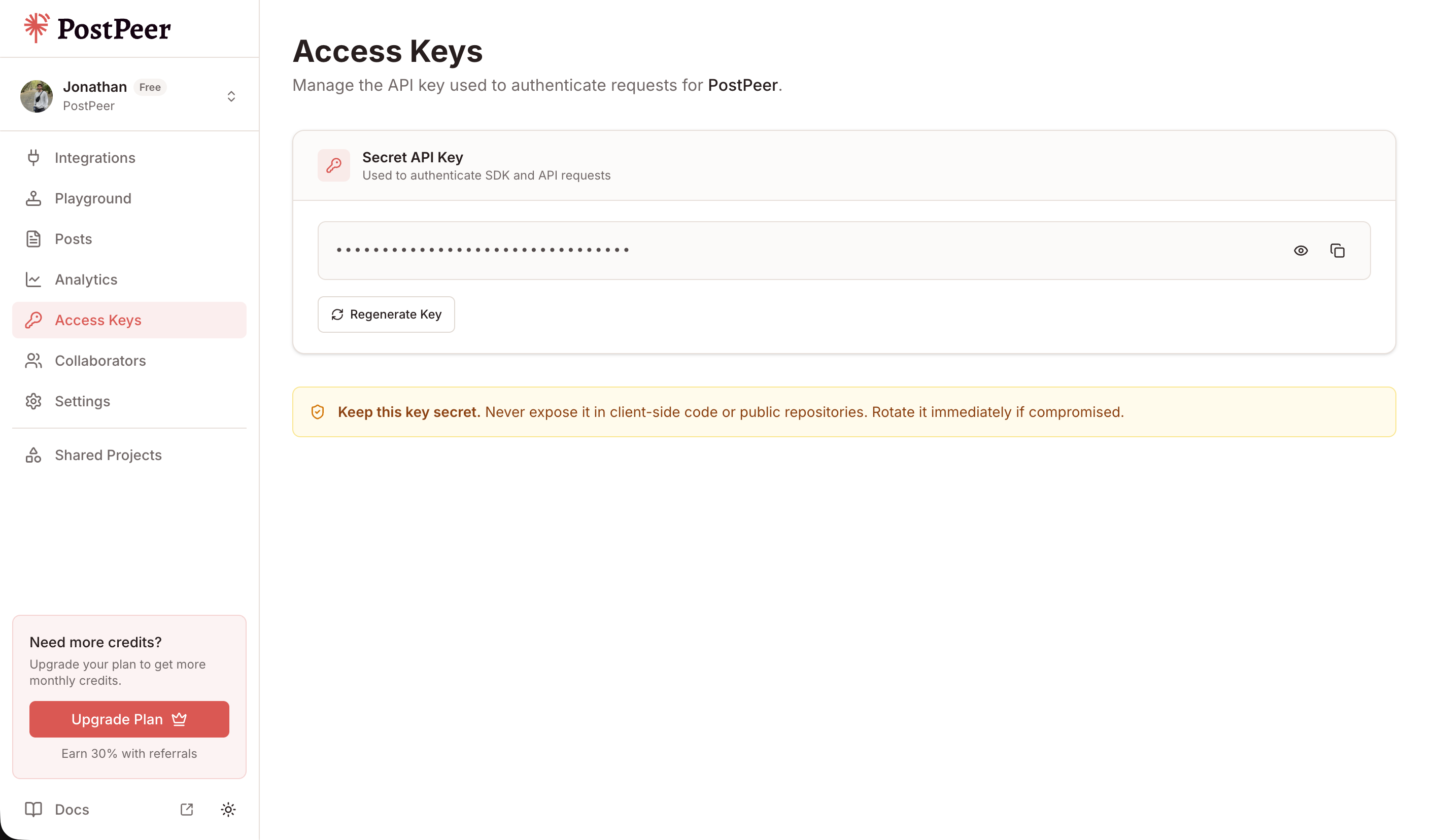
Sign up at PostPeer, go to the dashboard, and copy your access key from the Access Keys page. Every request uses the x-access-key header.
Step 2: Connect your Threads account
Get the OAuth URL:
curl https://api.postpeer.dev/v1/connect/threads \
  -H "x-access-key: YOUR_API_KEY"
Response:
{
  "url": "https://threads.net/oauth/authorize?..."
}
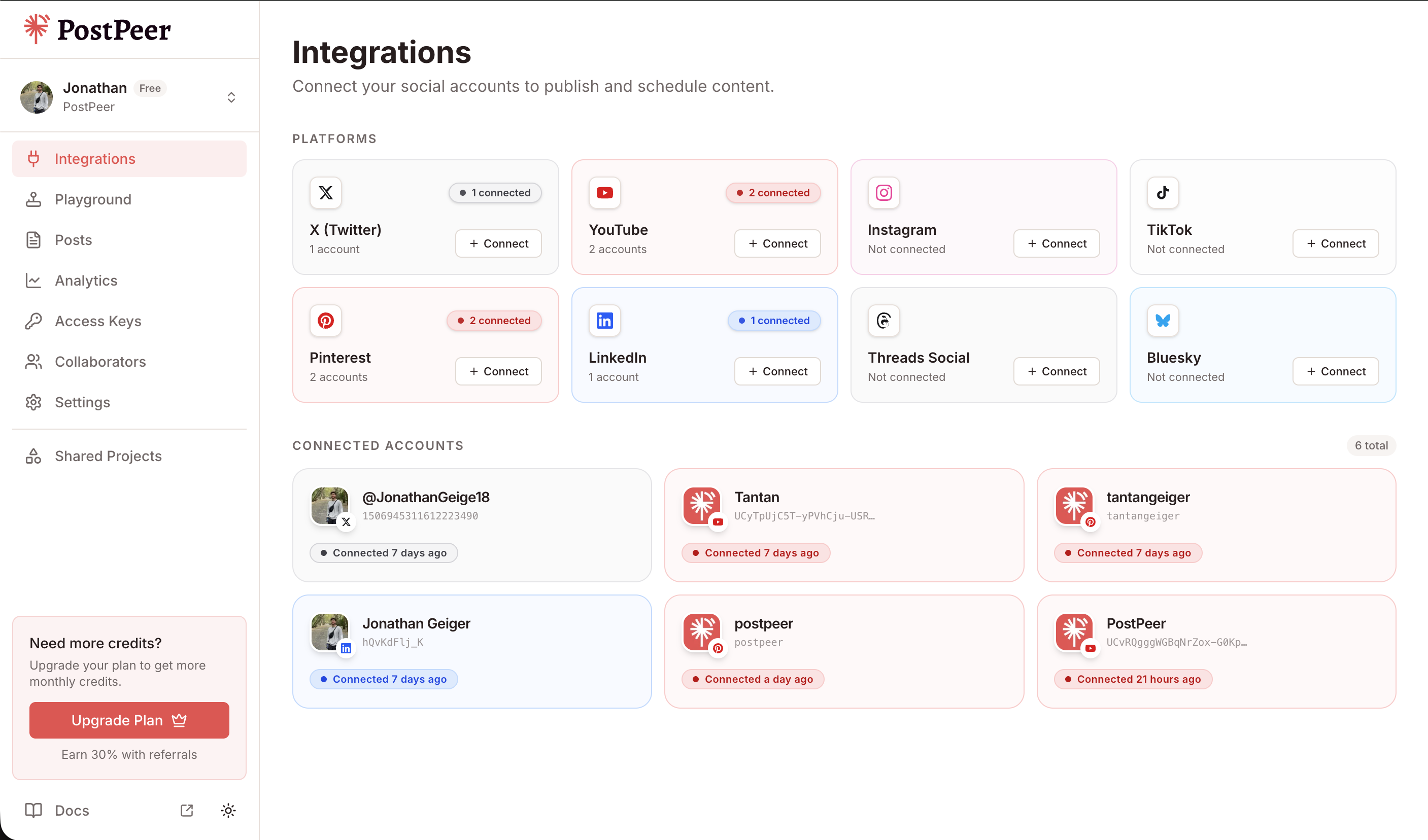
Redirect the user to that URL. They authorize threads_basic and threads_content_publish, then PostPeer handles the token exchange and stores the long-lived credential.
You can also connect directly from the integrations dashboard without any code.
Step 3: Find your account ID
curl "https://api.postpeer.dev/v1/connect/integrations?platform=threads" \
  -H "x-access-key: YOUR_API_KEY"
The response has id (your accountId for posting), displayName (the @handle), and imageUrl.
Step 4: Post to Threads
curl -X POST https://api.postpeer.dev/v1/posts \
  -H "x-access-key: YOUR_API_KEY" \
  -H "Content-Type: application/json" \
  -d '{
    "content": "First post via the PostPeer API.",
    "platforms": [
      { "platform": "threads", "accountId": "your-account-id" }
    ],
    "publishNow": true
  }'
Threads caps posts at 500 characters. PostPeer enforces this and returns a clean error if you go over.
Posting an image
curl -X POST https://api.postpeer.dev/v1/posts \
  -H "x-access-key: YOUR_API_KEY" \
  -H "Content-Type: application/json" \
  -d '{
    "content": "New shot from this morning.",
    "mediaItems": [
      { "type": "image", "url": "https://your-cdn.com/photo.jpg" }
    ],
    "platforms": [
      { "platform": "threads", "accountId": "your-account-id" }
    ],
    "publishNow": true
  }'
Image carousel (2–10 images)
Attach 2 to 10 image items and PostPeer handles the multi-step container build for you.
curl -X POST https://api.postpeer.dev/v1/posts \
  -H "x-access-key: YOUR_API_KEY" \
  -H "Content-Type: application/json" \
  -d '{
    "content": "A few shots from the launch event.",
    "mediaItems": [
      { "type": "image", "url": "https://your-cdn.com/1.jpg" },
      { "type": "image", "url": "https://your-cdn.com/2.jpg" },
      { "type": "image", "url": "https://your-cdn.com/3.jpg" }
    ],
    "platforms": [
      { "platform": "threads", "accountId": "your-account-id" }
    ],
    "publishNow": true
  }'
Posting a video
curl -X POST https://api.postpeer.dev/v1/posts \
  -H "x-access-key: YOUR_API_KEY" \
  -H "Content-Type: application/json" \
  -d '{
    "content": "Quick walkthrough of the new feature.",
    "mediaItems": [
      { "type": "video", "url": "https://your-cdn.com/walkthrough.mp4" }
    ],
    "platforms": [
      { "platform": "threads", "accountId": "your-account-id" }
    ],
    "publishNow": true
  }'
Video is capped at 5 minutes and 1 GB.
Alt text
Pass alt text per image in the same order as mediaItems:
curl -X POST https://api.postpeer.dev/v1/posts \
  -H "x-access-key: YOUR_API_KEY" \
  -H "Content-Type: application/json" \
  -d '{
    "content": "Sunset over the bay.",
    "mediaItems": [
      { "type": "image", "url": "https://your-cdn.com/sunset.jpg" }
    ],
    "platforms": [
      {
        "platform": "threads",
        "accountId": "your-account-id",
        "platformSpecificData": {
          "altText": ["Pink sunset over the bay with silhouetted boats"]
        }
      }
    ],
    "publishNow": true
  }'
Reply controls
Threads lets you restrict who can reply. Set it with replyControl:
curl -X POST https://api.postpeer.dev/v1/posts \
  -H "x-access-key: YOUR_API_KEY" \
  -H "Content-Type: application/json" \
  -d '{
    "content": "Thoughts on the new release.",
    "platforms": [
      {
        "platform": "threads",
        "accountId": "your-account-id",
        "platformSpecificData": {
          "replyControl": "accounts_you_follow"
        }
      }
    ],
    "publishNow": true
  }'
Options: everyone (default), accounts_you_follow, mentioned_only.
Scheduling
Swap publishNow for scheduledFor plus a timezone:
curl -X POST https://api.postpeer.dev/v1/posts \
  -H "x-access-key: YOUR_API_KEY" \
  -H "Content-Type: application/json" \
  -d '{
    "content": "This was scheduled a week ago.",
    "platforms": [
      { "platform": "threads", "accountId": "your-account-id" }
    ],
    "scheduledFor": "2026-08-01T10:00:00",
    "timezone": "America/New_York"
  }'
Everything scheduled and published shows up in the Posts dashboard.
Cross-posting
Add more entries to platforms and the post goes to all of them at once:
curl -X POST https://api.postpeer.dev/v1/posts \
  -H "x-access-key: YOUR_API_KEY" \
  -H "Content-Type: application/json" \
  -d '{
    "content": "Just shipped something new.",
    "platforms": [
      { "platform": "threads",  "accountId": "acc_th_123" },
      { "platform": "twitter",  "accountId": "acc_tw_456" },
      { "platform": "linkedin", "accountId": "acc_li_789" }
    ],
    "publishNow": true
  }'
One request, three platforms. PostPeer adapts to each platform's rules automatically.
Tokens
Threads issues 60-day tokens. PostPeer auto-refreshes before expiry, so the integration stays live as long as at least one post goes through every 60 days. If a user revokes access from their Threads settings, the next post returns an auth error. Surface a reconnect prompt pointing them back to /v1/connect/threads.
Limits
| Limit | Value |
|---|---|
| Text length | 500 characters |
| Images per post | 1 or 2–10 (carousel) |
| Videos per post | 1 |
| Video size | 1 GB max |
| Video duration | 5 minutes max |
| GIFs | Not supported |
Full reference is in the Threads platform docs. The free tier includes 20 posts to test with.