How to Schedule Posts to All Your Social Media Accounts at Once
Most people post to each platform one at a time. Open Instagram, upload. Open TikTok, upload. Open LinkedIn, upload. Same content, repeated four times across four different tabs.
Here is how to do it once and have it go everywhere.
Step 1: Go to the dashboard
Head to postpeer.dev and click Dashboard.
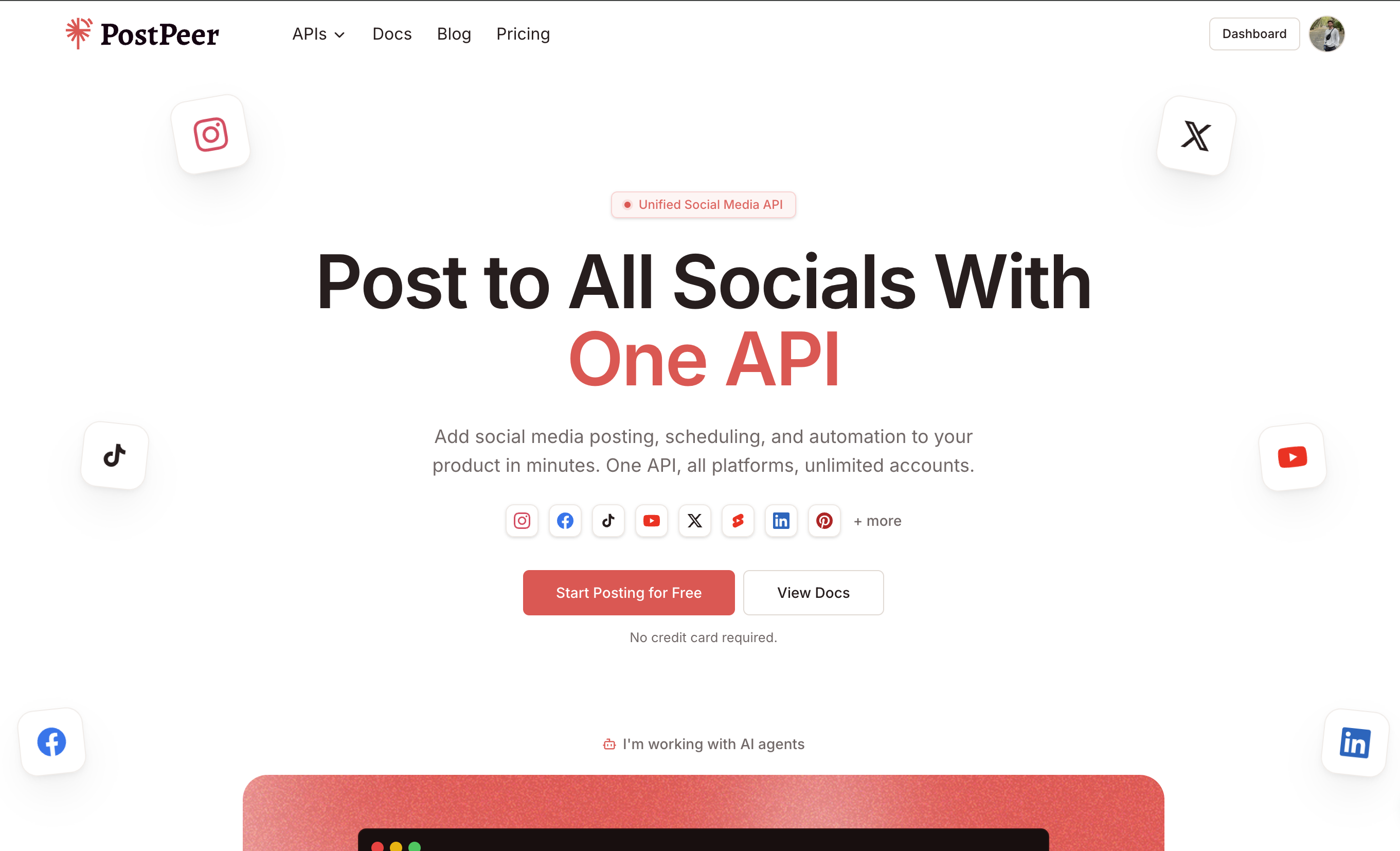
Step 2: Select your accounts
Click "Post To" and pick which accounts you want to publish to. You can filter by platform — Instagram, TikTok, LinkedIn, YouTube, Twitter, Pinterest, and more. Select all of them or just a few.
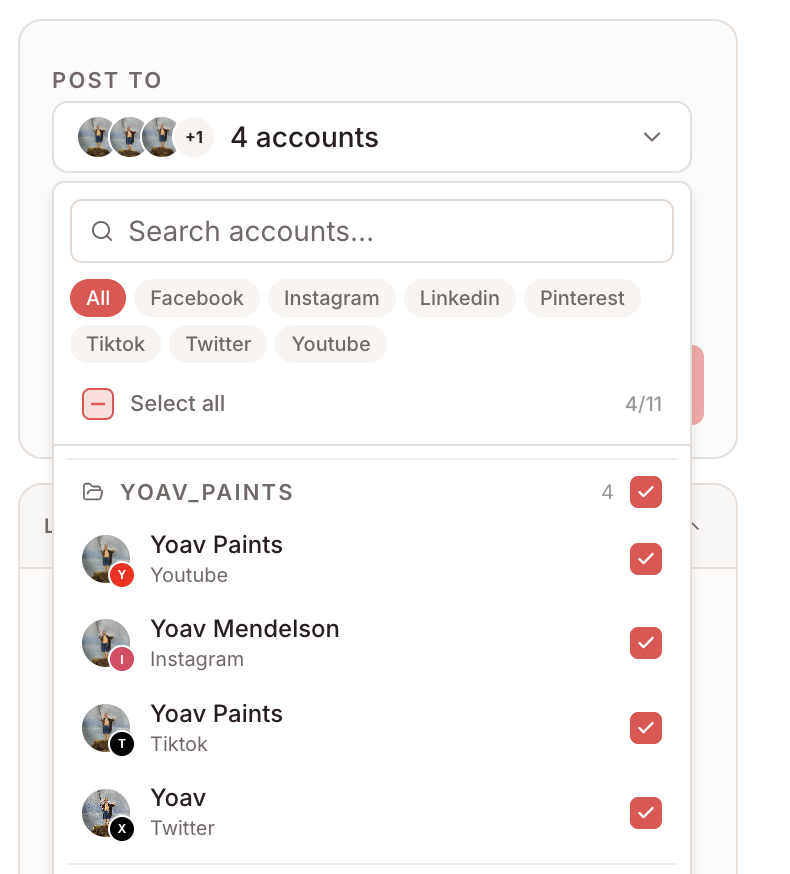
Step 3: Add your content
Write your caption and upload your media. The Playground shows a live API request on the right so you can see exactly what gets sent to each platform.
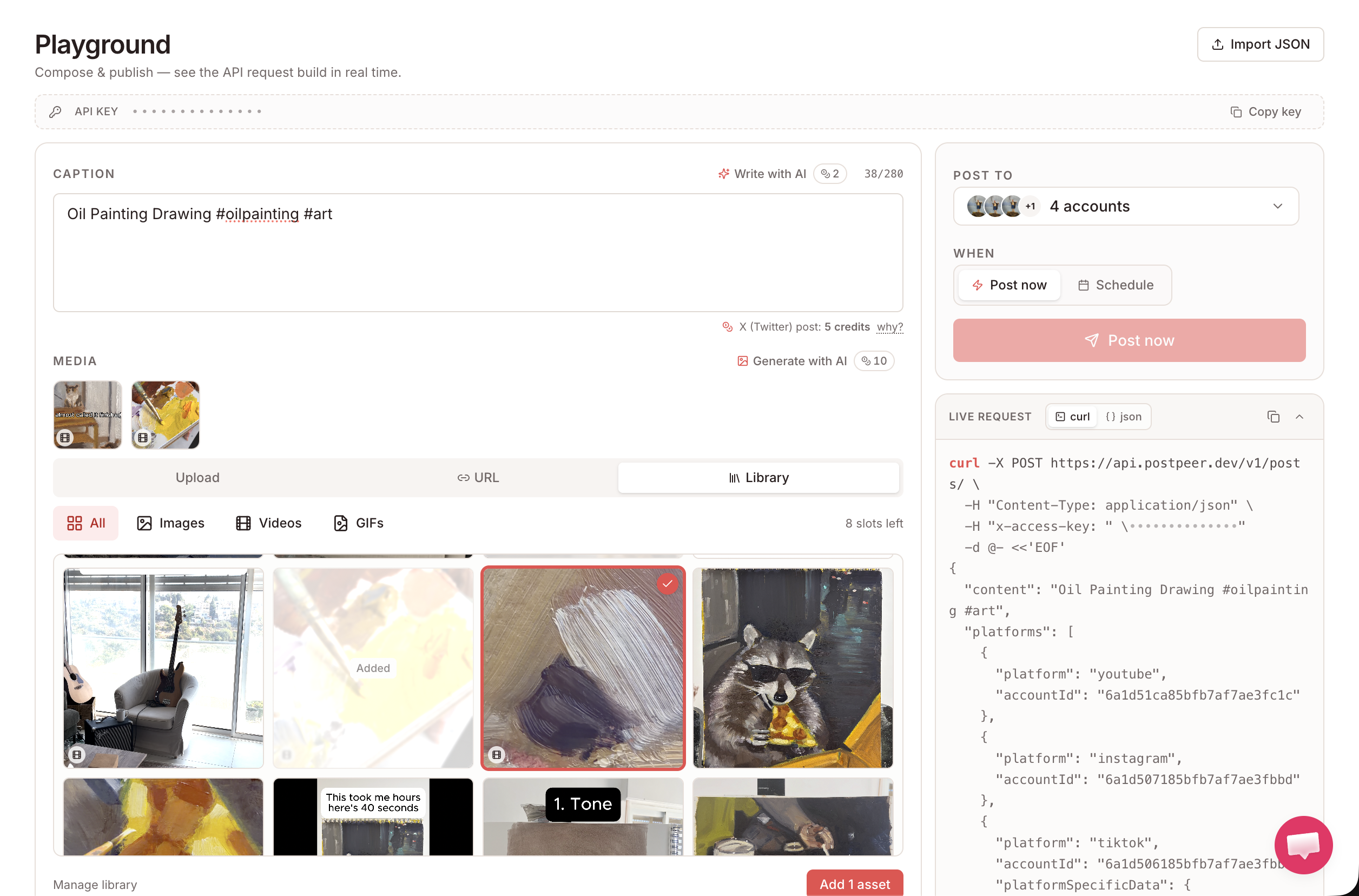
Step 4: Post now or schedule for later
Pick when it goes out. Hit "Post now" and it publishes immediately to every selected account. Or switch to "Schedule", pick a date and time, and PostPeer delivers it at exactly that moment.
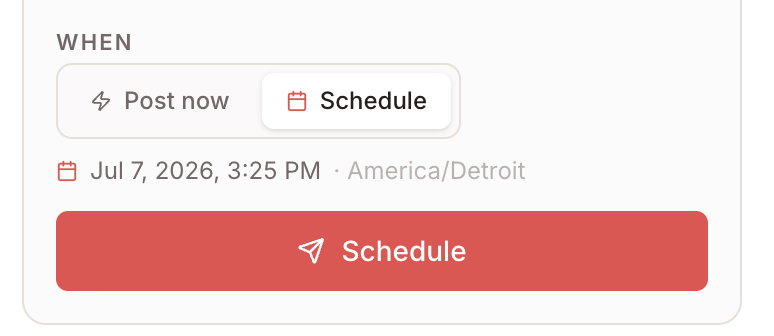
That is the whole flow. One post, every platform.
Why this actually saves time
It is not just the posting itself. The friction of switching between apps, re-uploading the same file, re-writing captions, dealing with different format requirements per platform — all of that adds up. Doing it in one place cuts that to almost nothing.
Want to automate it even further? You can connect PostPeer to an AI agent and have it write and schedule content for you. More on that here.
Or if you are a developer and want to wire this into your own app, the PostPeer API handles all platforms with a single POST request.